Your chat shows what your FAQs are missing.
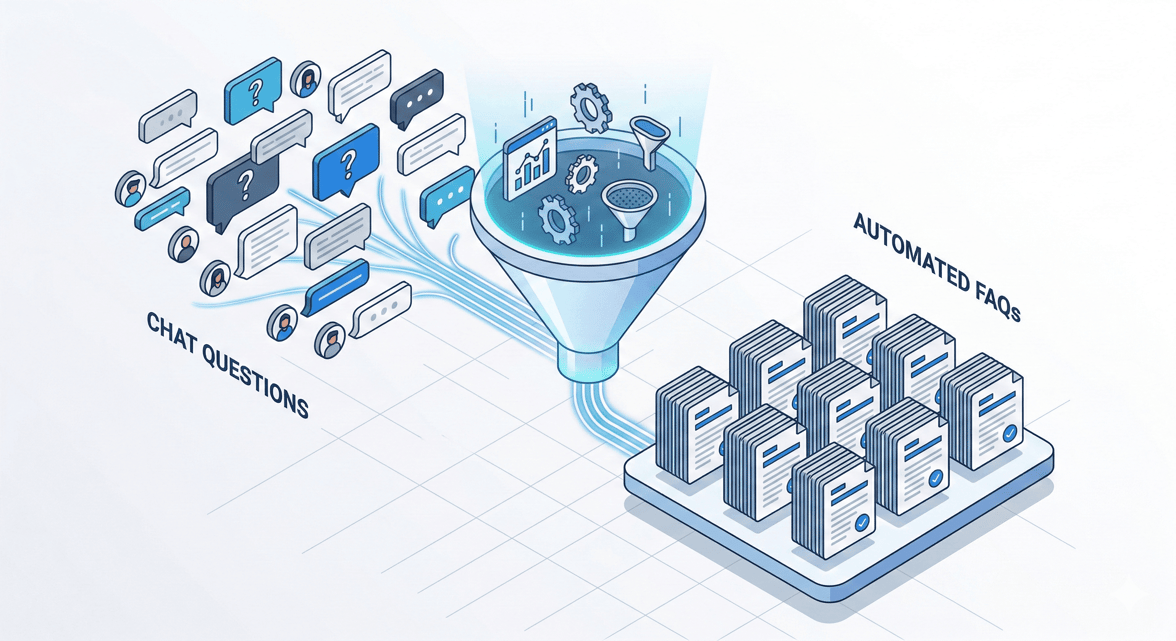
Many companies have a FAQ page. The vast majority do not know if it is still current. Even fewer know which questions do not appear there at all — even though customers ask them daily. The answer to this question is usually already somewhere in your system. More precisely: in your chat logs.
Why self-service fails — not due to willingness, but to content
Customers do not want long waiting lines. They do not want phone hotlines. What they want is a quick, reliable answer — preferably without detours.
That this is not just a gut feeling is shown by the numbers: 81% of all customers try to solve their problem themselves before contacting a human support staff member (Harvard Business Review). And 67% prefer self-service over direct conversation with a company representative in general (Zendesk).
The interest is therefore enormous. The problem lies elsewhere: in the content itself.
Anyone who creates a FAQ page and then leaves it untouched for years nominally offers self-service. Whether it works is another question. Those without a chatbot or who never check its answers leave customers to fend for themselves at the moment they actually wanted help — without a safety net.
The figures from Salesforce underscore how large the difference is between good and bad service organizations: 80% of high-performing teams offer self-service, but only 56% of weaker ones (Salesforce State of Service 2025). Self-service is not a nice-to-have. It is a quality feature.
What chat logs reveal about your FAQs
When a customer asks a question that your chatbot cannot answer, one of three things usually happens: It gives a vague, irrelevant answer. It refers to a human agent. Or the customer simply ends the conversation.
All three scenarios leave traces in your data.
This is the crucial point: chatbot conversations are not waste. They are a mirror of your current self-service offerings. Every question the bot answers incorrectly shows you what is missing in your FAQs. Every escalation to a human agent indicates where the content is too thin. Every conversation abandonment shows you where customers have given up in frustration.
According to a data analysis by LoopReply (2026, n=10,000 conversations), a poor or irrelevant first answer triggered the abandonment of 61% of chatbot conversations. This is not a technical issue. It is a content issue.
And 18.6% of all chatbot conversations are escalated to a human agent (LoopReply 2026). Each of these escalations costs time and money — and at the same time indicates that the chatbot cannot yet provide a good answer at this point.
How to read your chat logs correctly
Analyzing chat logs sounds like work. If you know what you are looking for, it is surprisingly concrete. Here are the four patterns that matter:
Frequently asked questions without a good answer. Search your logs for phrases that come up repeatedly — for example, "How long does it take...", "Can I change my...", "What does it cost...". If your bot dodges these questions or gives a generic answer, the relevant content is missing in your knowledge base.
Follow-up questions after the first answer. If a user asks a follow-up question immediately after a bot answer ("And what does that mean exactly?" or "That doesn't help me further"), it is a clear signal: The first answer was too unspecific. The FAQ entry needs more depth or better examples.
Abandonments after certain topics. If conversations end disproportionately often on topics like "cancellation", "return", or "data protection" without the problem being solved, well-structured content is missing in these areas. These topics are sensitive — and that is precisely why they need particularly clear answers.
Escalation topics. Analyze which inquiries your chatbot systematically refers to human agents. If these are standard questions that could actually be answered on their own, it is a direct mandate: expand the FAQ page or knowledge base.
With tools like branchly, this analysis process can be automated. The platform evaluates conversation data and systematically shows you which topics often escalate or lead to abandonments — rather than having you go through each individual log manually.
The cycle: chat data, better FAQs, fewer tickets
Anyone who regularly evaluates chat logs and adjusts their FAQ content accordingly enters a positive cycle. More good FAQ answers mean fewer escalations. Fewer escalations mean fewer support tickets. Fewer tickets relieve your team — and create space for more complex inquiries.
This is not just theory. Salesforce documents that by 2025, 30% of all service requests were already resolved by AI. By 2027, this share is expected to rise to 50% (Salesforce State of Service 2025). The foundation for this is high-quality self-service content that addresses real customer questions.
The process looks approximately like this in practice:
Regular log analysis (at least monthly): Which topics come up frequently? Where are there abandonments? Which questions lead to escalations?
Prioritization by volume and effort: Not every gap is equally important. Questions that are asked daily and are quick to answer take priority.
Content update: Revise FAQ entries, create new articles, refine responses in the knowledge base.
Measure impact: Has the escalation rate for the affected topic decreased? Are fewer users abandoning at this point?
Repeat: Your product offering changes. So do your customers' questions.
The most important step is the first — to look regularly, rather than waiting for feedback by chance.
What is also interesting is what is often missing on the company side: 60% of customer service employees actively do not point out self-service options to customers (Gartner, June 2025, n=5,801). This means that even where good self-service content is available, it is often not utilized. Anyone who systematically closes this gap thus has double the benefit: better content and better referrals.
Speed beats everything
There is one factor that influences the difference between a good and a bad service experience more than anything else: response time.
According to LoopReply (2026), AI bots respond on average in 1.8 seconds. Human agents take an average of 2 minutes and 34 seconds. The evaluation shows that response time has a stronger impact on customer satisfaction than any other measured factor.
This is not an argument against human support. It is an argument for reserving human support for cases where it is truly needed. And at the same time ensuring that the chatbot answers standard questions well enough so that escalation is not necessary.
However, speed alone is not enough. An answer in 1.8 seconds that misses the point is worse than a good answer in ten seconds. The combination of fast response time and relevant content is what truly drives customer satisfaction. And relevant content does not come from the gut — but from systematic evaluation of what customers are actually asking.
This is the core of it all: Your chat shows you daily what is missing. You just have to learn to listen.